


Middleware Integration Tools: Top Solutions for Connecting Enterprise Applications

Artificial Intelligence Team
Last Updated: Oct 13, 2026 Total Views: 83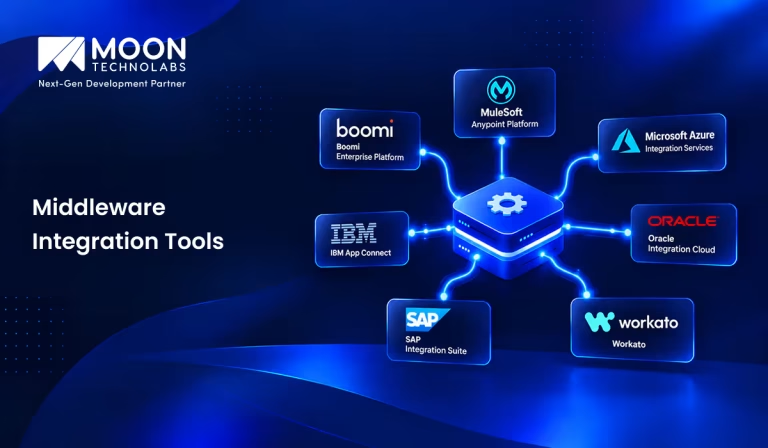
Table of Content


Blog Summary:
Middleware integration tools connect applications, databases, APIs, and cloud services, enabling them to exchange data and work together. They use connectors, integration workflows, messaging protocols, and data transformation to handle communication between systems built on different technologies. In this blog, we have covered the top middleware integration platforms, best use cases, and pros and cons to help you understand how businesses use these tools to integrate legacy apps with modern platforms, sync data, and automate processes.
Table of Content
Connecting an ERP system to a CRM, syncing customer data across cloud applications, or linking legacy software to modern platforms can become complicated without the right integration solution. Middleware Integration Tools simplify these connections by managing how applications exchange data, process requests, and coordinate workflows.
But not every tool fits every business. Some platforms focus on API management, others specialize in cloud integration or workflow automation, while some offer greater flexibility for custom development. This guide compares 10 leading middleware integration tools, including their key features, ideal use cases, and pros and cons, to help you find the right fit for your enterprise.
What are Middleware Integration Tools?
Middleware integration tools are software solutions that connect different applications, databases, and systems, enabling seamless communication and data exchange. They bridge technologies that may use different platforms, protocols, or data formats.
These tools simplify system integration through features such as data transformation, API management, workflow automation, and real-time data synchronization. They help organizations connect existing systems, automate business processes, and ensure smooth data flow across their IT infrastructure.
Key Features of Middleware Integration Tools
Here are the key features of middleware integration tools that help businesses connect applications, automate data exchange, and streamline enterprise workflows efficiently. Have a look:
API Management and Integration
Middleware tools enable applications to communicate through APIs. They help manage API access, authentication, request routing, and usage, allowing different services to exchange data securely and consistently. Businesses can also develop custom APIs to connect their existing systems with third-party applications and meet specific integration requirements.
Data Transformation and Mapping
Different systems often store data in different formats. Middleware tools transform data into compatible formats and map fields between applications, ensuring the receiving system interprets and processes information correctly.
Pre-built Connectors
Pre-built connectors let middleware tools integrate with commonly used applications, databases, and cloud services without building every connection from scratch. They simplify integration with platforms such as CRM, ERP, and other enterprise applications.
Workflow Automation
Workflow automation enables organizations to automate repetitive tasks and multi-step business processes. Middleware tools can trigger actions based on specific conditions, such as transferring customer details after registration or updating records after an order is placed.
Message Queuing and Event Processing
This feature enables applications to exchange messages asynchronously through queues or messaging systems. It also processes events generated by applications, allowing systems to communicate without requiring all connected services to be available at the same time.
Real-time Data Synchronization
Middleware tools synchronize data between connected systems when changes occur or on a schedule. For example, an update to product inventory in one system can be reflected in an e-commerce platform, helping maintain consistent information across applications.
Security and Access Control
Security features protect data during transmission and prevent unauthorized access to integrated systems. These include authentication, authorization, encryption, and role-based access control, ensuring only permitted users and applications can access specific resources.
Monitoring and Error Handling
Monitoring tools track integration activities, system performance, and data flow. When an error occurs, they can generate alerts, record error details, and recovery procedures to help maintain reliable communication between systems.
Simplify Enterprise Integration With the Right Expertise
Let’s connect your business systems, eliminate data silos, and improve operational efficiency with customized middleware integration solutions.
Types of Middleware Integration Tools
Middleware integration tools connect different applications, databases, and systems, allowing them to exchange data and communicate efficiently. The main types include:
Enterprise Service Bus (ESB) Tools
ESB tools connect multiple enterprise applications through a common integration layer. They handle message routing, data transformation, and communication between different systems.
Examples: MuleSoft, IBM App Connect Enterprise.
Integration Platform as a Service (iPaaS)
iPaaS provides cloud-based tools to connect applications and automate data flows between cloud and on-premises systems.
Examples: Boomi, Workato, Informatica Intelligent Cloud Services.
API Management Platforms
These platforms manage APIs that applications use to communicate. They support API publishing, authentication, access control, and traffic monitoring.
Examples: Google Apigee, Kong, Azure API Management.
Message-Oriented Middleware
Message-oriented middleware lets applications exchange messages through queues or messaging systems, enabling asynchronous communication between services.
Examples: RabbitMQ, Apache Kafka, IBM MQ.
Database Middleware
Database middleware connects applications to databases and provides standardized ways to access, query, and manage data.
Examples: JDBC, ODBC.
Application Integration Middleware
This middleware connects business applications such as CRM, ERP, and HR systems, enabling data sharing and coordination of business workflows.
Examples: SAP Integration Suite, Microsoft Power Automate, MuleSoft.
Event-Driven Integration Platforms
These platforms enable applications to communicate through events, triggering actions when specific changes occur, such as a new order or payment confirmation.
Examples: Amazon EventBridge, Azure Event Grid, Confluent.
Top 10 Middleware Integration Tools in 2026
Middleware integration tools help organizations connect applications, databases, APIs, and cloud services. They simplify data exchange, automate workflows, and enable communication between different systems. Below are 10 popular middleware integration tools, along with their key features, ideal use cases, and pros and cons:
MuleSoft Anypoint Platform
An enterprise integration platform that connects applications, data sources, and APIs across cloud and on-premises environments. It helps organizations build reusable integrations and manage APIs through a unified platform.
Key Features
- API design, management, and integration.
- Data transformation using DataWeave.
- Pre-built connectors and reusable integration flows.
Best For: Large enterprises managing complex integrations across multiple applications and systems.
| Pros and Cons |
|---|
|
Boomi Enterprise Platform
Boomi is a cloud-based integration platform that connects business applications, databases, and cloud services. Its low-code development environment allows users to build integration workflows with minimal manual coding.
Key Features
- Visual, low-code integration development.
- Pre-built connectors for business applications.
- Workflow automation and hybrid integration.
Best For: Businesses looking to connect SaaS applications and on-premises systems with minimal custom development.
| Pros and Cons |
|---|
|
Microsoft Azure Integration Services
Microsoft Azure Integration Services is a collection of cloud services designed to connect applications, automate workflows, manage APIs, and process messages and events. Its components include Azure Logic Apps, Azure API Management, Azure Service Bus, and Azure Event Grid.
Key Features
- Workflow automation using Logic Apps.
- API security and management.
- Messaging and event-driven integration.
Best For: Organizations using Microsoft Azure and other Microsoft enterprise technologies.
| Pros and Cons |
|---|
|
IBM App Connect
IBM App Connect enables organizations to integrate applications, data sources, and business services across cloud and on-premises environments. It provides integration flows, connectors, and data transformation capabilities for connecting enterprise systems.
Key Features
- Application and data integration.
- Visual integration flow development.
- Data mapping and transformation.
Best For: Enterprises connecting legacy applications with modern cloud services.
| Pros and Cons |
|---|
|
Oracle Integration Cloud
Oracle Integration Cloud is a cloud-based platform that connects Oracle applications with third-party services and on-premises systems. It provides visual tools for application integration, data mapping, and automating business processes.
Key Features
- Pre-built application adapters.
- Visual workflow and integration design.
- API connectivity and process automation.
Best For: Organizations using Oracle Fusion Cloud Applications, ERP systems, and other enterprise applications.
| Pros and Cons |
|---|
|
SAP Integration Suite
SAP Integration Suite connects SAP and non-SAP applications, enabling data exchange across enterprise systems. It supports application integration, API management, event-driven communication, and business-to-business integration.
Key Features
- Pre-built integration content and connectors.
- API and event management.
- Cloud and hybrid integration.
Best For: Businesses using SAP S/4HANA, SAP ERP, and related enterprise applications.
| Pros and Cons |
|---|
|
Workato
Workato is an integration and automation platform that connects business applications through configurable workflows called recipes. It helps automate repetitive tasks across departments such as sales, marketing, finance, and customer support.
Key Features
- Low-code workflow automation.
- Application connectors and event triggers.
- Cross-application data synchronization.
Best For: Businesses that want to automate workflows across SaaS applications without extensive coding.
| Pros and Cons |
|---|
|
Informatica Intelligent Data Management Cloud
IDMC is a cloud-based platform focused on data integration, data quality, governance, and management. It helps organizations move, transform, and manage data across cloud platforms, databases, and enterprise applications.
Key Features
- Data integration and transformation.
- Data quality and governance.
- Cloud data pipeline management.
Best For: Large organizations managing data across multiple systems, cloud platforms, and analytics environments.
| Pros and Cons |
|---|
|
Apache Camel
Apache Camel is an open-source integration framework that allows developers to connect applications using established enterprise integration patterns. It supports numerous protocols, messaging systems, and technologies, making it suitable for custom integration.
Key Features
- Extensive components for connecting systems.
- Enterprise integration patterns.
- Route-based message processing and transformation.
Best For: Development teams building custom integrations, Java applications, and microservices.
| Pros and Cons |
|---|
|
WSO2 Integration Platform
WSO2 provides integration capabilities for APIs, applications, data, and events. Its platform supports visual and code-based development, allowing organizations to build integrations for cloud, on-premises, and hybrid environments.
Key Features
- API and application integration.
- Low-code and code-based development.
- Cloud, on-premises, and hybrid deployment options.
Best For: Organizations seeking customizable integration solutions with flexible deployment options.
| Pros and Cons |
|---|
|
Let’s simplify your integration landscape with solutions that improve interoperability, reduce manual processes, and support reliable enterprise data exchange
Benefits of Implementing Middleware Integration Tools
Here are the key benefits of implementing middleware integration tools to improve operational efficiency, simplify application connectivity, and support business growth:
Seamless Application Connectivity
Middleware integration tools enable different applications, platforms, and systems to communicate effectively, even when they use different technologies or protocols. They bridge applications, ensuring smooth data transfer and consistent communication. This connectivity helps organizations integrate new technologies with existing systems without major changes to their current infrastructure.
Elimination of Data Silos
Data silos occur when information is stored in separate systems that cannot easily communicate. Middleware integration tools connect these systems, allowing data to be shared across departments and applications. This creates a unified view of business information, improves collaboration, and helps employees access accurate, consistent data to make better decisions.
Real-time Data Exchange
Middleware integration tools facilitate real-time or near-real-time data exchange between connected applications. Whenever information is updated in one system, it can be transferred to other relevant systems with minimal delay. This enables businesses to respond quickly to changing conditions, improve customer experience, and make timely decisions based on up-to-date information.
Improved Business Process Automation
Middleware integration tools automate data exchange between applications, reducing manual work and improving operational efficiency. Combined with business process automation, these integrations help organizations simplify routine tasks, from processing orders to updating customer records.
Faster Integration Development
Middleware integration tools often provide pre-built connectors, reusable components, APIs, and visual workflow designers that simplify the integration process. These features reduce custom coding and speed up application deployment. As a result, development teams can implement integrations faster, simplify testing, and respond more quickly to changing business requirements.
Better Scalability and Flexibility
As businesses grow, they often need to integrate additional applications, manage increasing data volumes, and adopt new technologies. Middleware integration tools provide a flexible architecture that makes it easier to expand existing integrations and connect new systems. This lets organizations scale operations efficiently while adapting to evolving business needs without redesigning their entire IT infrastructure.
Reduced Integration and Maintenance Costs
Middleware integration tools help reduce costs by minimizing custom development, simplifying system management, and automating routine integration tasks. Centralized monitoring and error-handling capabilities also make it easier to identify and resolve integration issues.
By reducing maintenance efforts, minimizing downtime, and improving resource utilization, organizations can lower overall integration costs and achieve better long-term ROI.
How to Choose the Right Middleware Integration Tool?
Here are the key factors to consider when choosing the right middleware integration tool to meet your business needs, integration requirements, and scalability goals:
Identify Your Integration Requirements
Start by identifying your business goals, existing systems, and integration challenges. Determine which applications need to communicate, what data must be exchanged, and whether real-time processing is required. Clear requirements help you choose a middleware integration tool that aligns with your operational needs and long-term objectives.
Evaluate Application and Data Compatibility
Choose a middleware integration tool that supports your existing applications, databases, protocols, and data formats. Check for pre-built connectors and compatibility with legacy and modern systems. Seamless compatibility reduces custom development, simplifies data exchange, and minimizes integration issues across your business environment.
Compare Cloud and On-premise Support
Evaluate whether the middleware integration tool supports cloud-based, on-premises, or hybrid environments. Consider your current infrastructure, data storage requirements, and deployment preferences. A flexible solution enables seamless integration across different environments, supports business continuity, and helps your organization adapt to changing technology requirements.
Assess API Management Capabilities
Look for middleware tools offering comprehensive API management features, including API creation, monitoring, authentication, versioning, and access control. Strong API capabilities simplify communication between applications and external services. They also improve integration reliability, enhance visibility, and help developers manage APIs efficiently throughout their lifecycle.
To compare leading platforms and find the right fit for your integration needs, explore our guide to the top API management tools.
Evaluate Security and Compliance
Make security a priority when selecting middleware integration tools. Assess features such as data encryption, authentication, authorization, audit logging, and access controls. Ensure the solution supports applicable industry regulations and data protection requirements. Strong security measures help protect sensitive information and reduce integration-related risks.
Consider Scalability and Performance
Select a middleware solution that can handle increasing data volumes, growing transaction loads, and conditional application connections. Evaluate processing speed, reliability, fault tolerance, and horizontal scaling capabilities. A scalable tool maintains consistent performance as your business expands, prevents bottlenecks, and supports future integration requirements.
Compare Pricing and Total Cost of Ownership
Compare pricing models, licensing fees, subscription costs, implementation expenses, and ongoing maintenance requirements. Consider additional costs for connectors, API usage, support, and infrastructure. Evaluating the total cost of ownership helps you identify a cost-effective middleware integration tool that delivers long-term value without exceeding your budget.
Enterprise Middleware Integration Solutions We’ve Delivered
Here are real-world examples from our portfolio showcasing how we connect applications, streamline workflows, and solve business integration challenges through tailored solutions:
Enterprise Application Integration
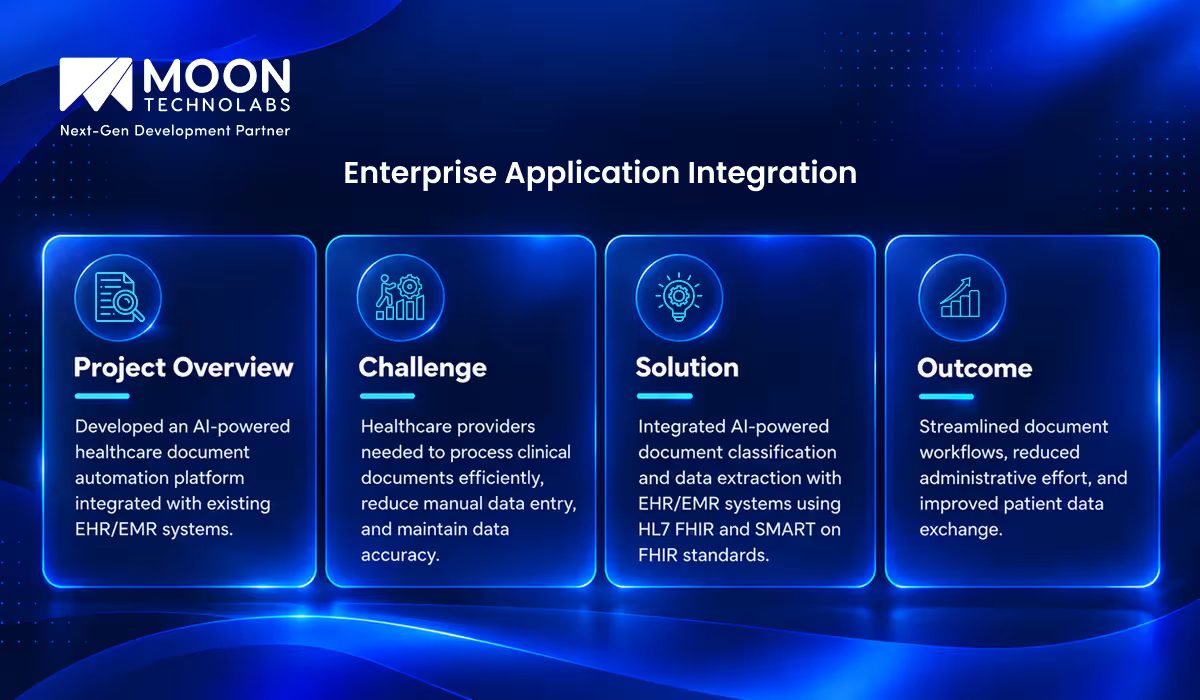
Discover how we’re transforming healthcare document workflows with AI-powered automation.
ERP and CRM Integration
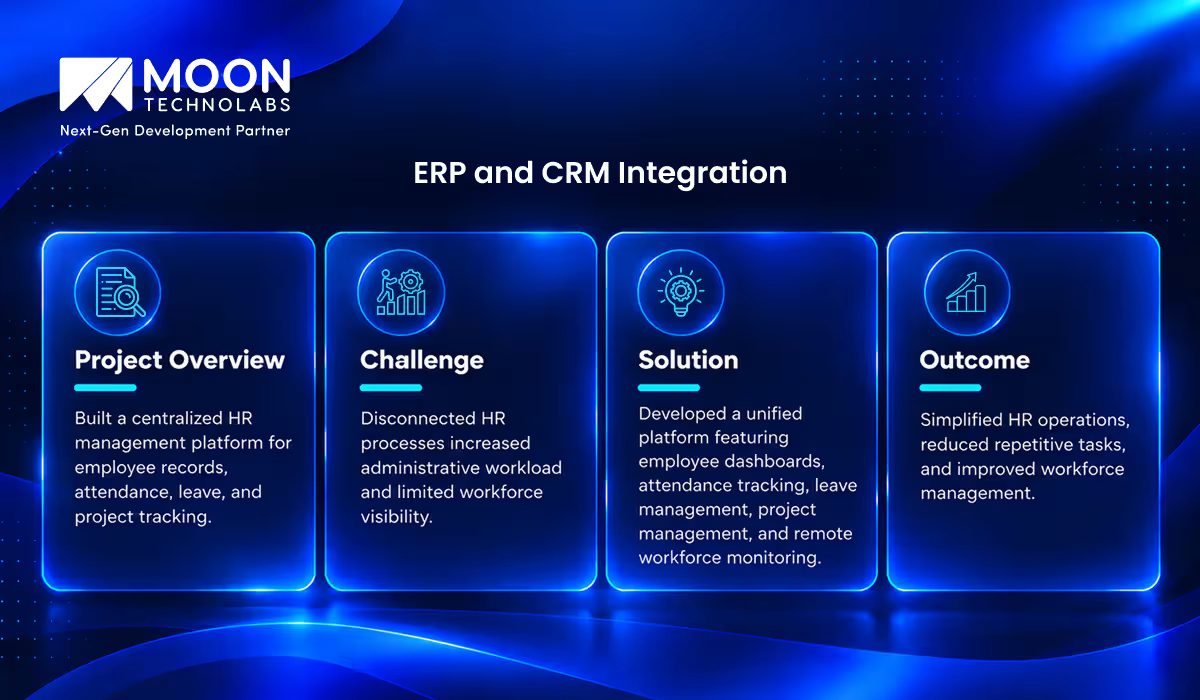
Take a closer look at our centralized HR management platform.
Legacy System Modernization
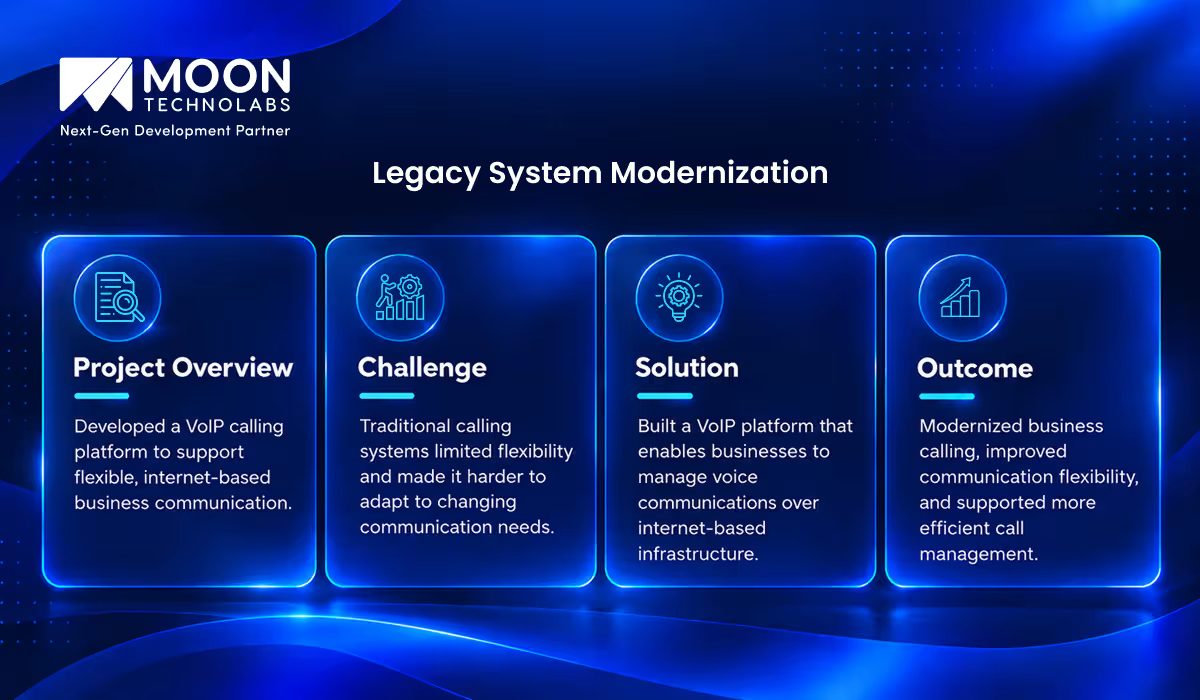
See how our VoIP calling platform is redefining business communication.
API and Third-party Integration
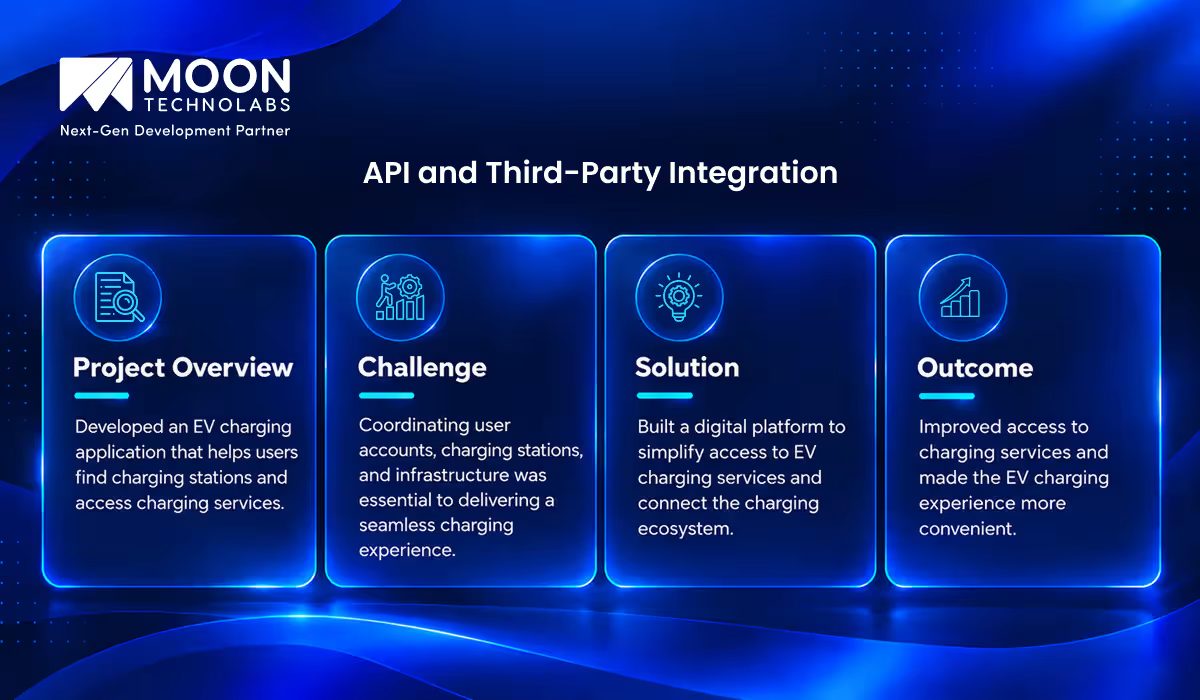
Explore how our EV charging application simplifies access to charging services.
Cloud Application Integration
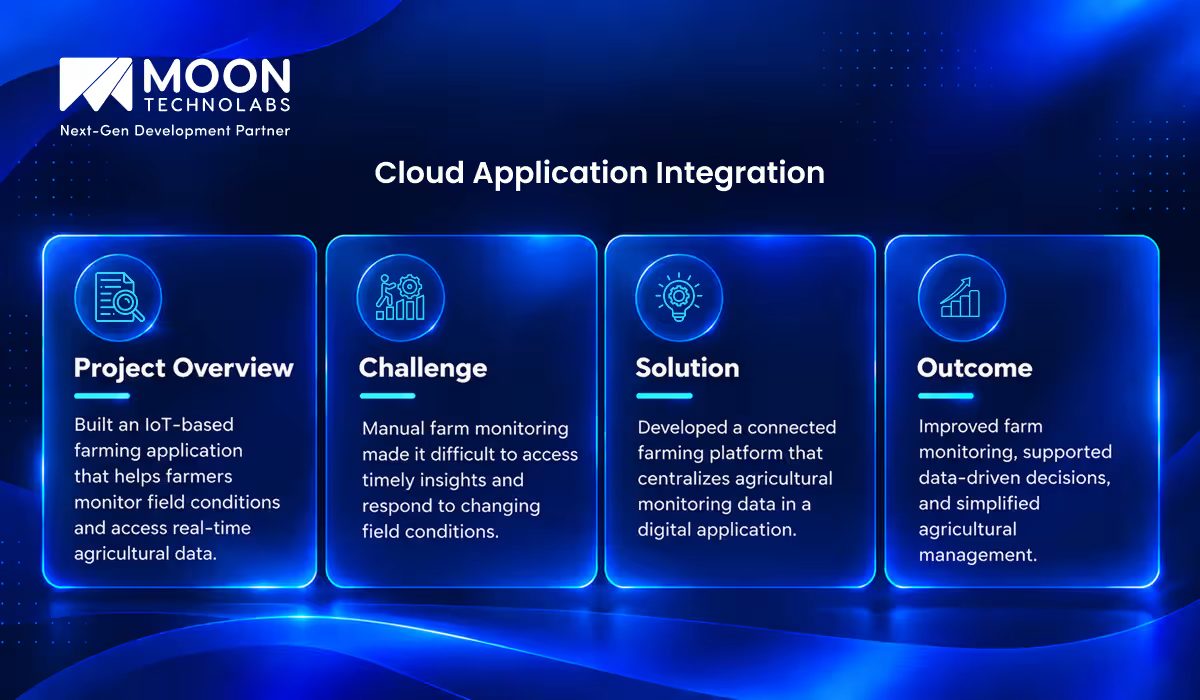
Discover how our IoT-powered farming solution enables smarter agricultural management.
Why Choose Moon Technolabs for Middleware Integration?
Moon Technolabs helps businesses connect enterprise applications, streamline data exchange, and simplify complex integration workflows. By focusing on scalability, security, and compatibility, we build tailored solutions that connect existing systems with modern technologies and improve operational efficiency.
Whether you need to connect APIs, synchronize databases, or automate cross-platform workflows, we help you build solutions aligned with your business goals. Our enterprise software development services enable seamless system integration, improve operational efficiency, and deliver scalable solutions that adapt to your evolving business needs.
Conclusion
Middleware integration tools play a crucial role in connecting enterprise applications, streamlining data exchange, and improving operational efficiency. The right solution helps businesses integrate legacy systems, cloud applications, APIs, and third-party platforms while maintaining data consistency and scalability.
Choosing the right middleware depends on your existing technology stack, integration complexity, security requirements, and long-term business goals. With the right integration strategy and expert development support, businesses can build a connected technology ecosystem that simplifies workflows, supports growth, and improves overall performance.
FAQs
01
What are middleware integration tools used for?
Middleware integration tools connect applications, databases, and systems to enable seamless data exchange. They also support workflow automation, data transformation, and communication between different software platforms.02
What is the difference between middleware and an API?
Middleware is software that connects applications and manages communication between systems. An API is an interface that allows applications or services to interact using defined rules. Middleware can use APIs to integrate different systems.03
Which middleware integration tool is best for enterprise applications?
The best tool depends on the organization's requirements. MuleSoft and IBM App Connect suit enterprise integration, Boomi supports cloud-based integration, and SAP Integration Suite helps organizations using SAP applications.04
How do I choose the right middleware integration platform?
Consider compatibility with existing systems, integration requirements, scalability, security, ease of use, available connectors, and total cost of ownership. Choose a platform that aligns with your organization's technical needs and business goals.05
How much does middleware integration cost?
Middleware integration costs vary by platform, licensing model, number of integrations, data volume, and implementation complexity. Cloud-based platforms may offer subscription-based pricing, while enterprise solutions may require additional development, maintenance, and support.



Explore the latest insights on Artificial Intelligence, including Generative AI, Agentic AI, natural language processing, computer vision, automation, and enterprise AI solutions. This category covers industry trends, practical applications, implementation strategies, and innovations that help businesses leverage AI for smarter decision-making and digital transformation. Stay updated with evolving AI technologies that are reshaping industries worldwide.
Submitting the form below will ensure a prompt response from us.
We refine our expertise to deliver innovative business solutions.





205 N Michigan Avenue, #810, Chicago, 60601, Illinois, United States
13500 Long Is Dr, Pflugerville, TX 78660, USA

C/105 Ganesh Meridian, S.G. Highway, Ahmedabad, GJ 380060


Ayse D.
Co-Founder France
“ I highly recommend Moon Technolabs as the quality of service is wonderful. We have hired this company to develop the product based on some complex & technical issues. We get the best quality services as compared with others in the market. Huge Thanks to Moon Technolabs as the team is always ready to give the solution all time.”

Justin G.
Founder & CEO USA
USA“ Moon Technolabs is a pioneer in the WebRTC based project as they have fixed complicated segments of the module by fulfilling different product lines by providing 24X7 customer support. We really recommended Moon Technolabs as they are able to develop products as per the module deadline and project timeline.”

Flavio S.
Founder & Managing Director Germany
“I am happy to recommend Moon Technolabs for their app development services. They successfully developed apps for me, and I am highly satisfied with the overall outcomes. The development team has swiftly addressed the issues with responsive and effective communication to understand the requirement quickly and actively resolve the back-and-forth problems that arose...”

Jay M.
Founder & CEOUSA“Moon Technolabs is the best company that provides advanced apps and websites development services in the USA and Europe. I am a newbie to develop my app with an external team. I am really happy to work with them as I am not that much mobile apps user. Here, the team and specially the CEO of Moon Technolabs helps me to let me know about the benefits of my app to generate revenue....”


Our Offices
India
C/105 Ganesh Meridian,S.G. Highway, Ahmedabad, GJ 380060USA
205 N Michigan Avenue, #810, Chicago, 60601, Illinois, United StatesContact Information


