
 Total Views: 266

Table of Content


Blog Summary:
Apple’s Vision Pro is redefining how users experience technology using spatial computing. In this blog, you will learn how to build immersive Vision Pro applications. You will also learn about the key features, tools to use, and industries leading adoption that can help innovate and stay ahead in this digital landscape.
Table of Content
Imagine building software applications that users don’t just see but live in. That’s what Apple’s Vision Pro promises to deliver. This device is leading the spatial computing space.
Vision Pro app development isn’t just another trend you must hop onto; it is your chance to create more connected, immersive, and intelligent experiences for your users. As you plan to incorporate 3D interfaces and real-world interactions in your application, you must learn to build applications that work seamlessly on Vision Pro.
In this blog, you will learn all aspects of Vision Pro App Development, from must-have features to practical steps to build your applications.
Vision Pro app development is the next big step in how we create and experience the technology around us. Instead of restricting app usage to the flat screens, Vision Pro lets them appear in the 3D space around you.
These apps are built with VisionOS, RealityKit, and ARKit and can easily respond to your hands, eyes, and voice. Whether your end users want to visualize data, explore 3D designs, or collaborate virtually, these apps help unfold new ways to interact. In its essence, Vision Pro app development will help developers blend reality with imagination to create app interactions that delight users.
Vision Pro lays the foundation for a whole new way to experience digital content around you. By building apps for this platform, you are pioneering this new space and unlocking new opportunities:
Spatial computing is in its budding stages. That’s why this is the perfect time to explore and build something new. As an early adopter of Vision Pro, you can capture your target’s attention, build an authority in this landscape, and gain the first-mover advantage.
With Vision Pro, you can create immersive interactions that let users experience digital content. It also helps build deeper emotional connections that drive better engagement, retention, and loyalty.
With Vision Pro apps, you can transform how businesses operate and connect with their audiences. You can create virtual tours, offer hands-on training, or even provide interactive demos to entice your users. These apps can build across industries, including healthcare, retail, and education.
Vision Pro seamlessly integrates with Apple’s ecosystem, including iCloud, iPhones, and Macs. This will help create a smooth workflow, build familiar interfaces, and deliver consistent experiences across devices.
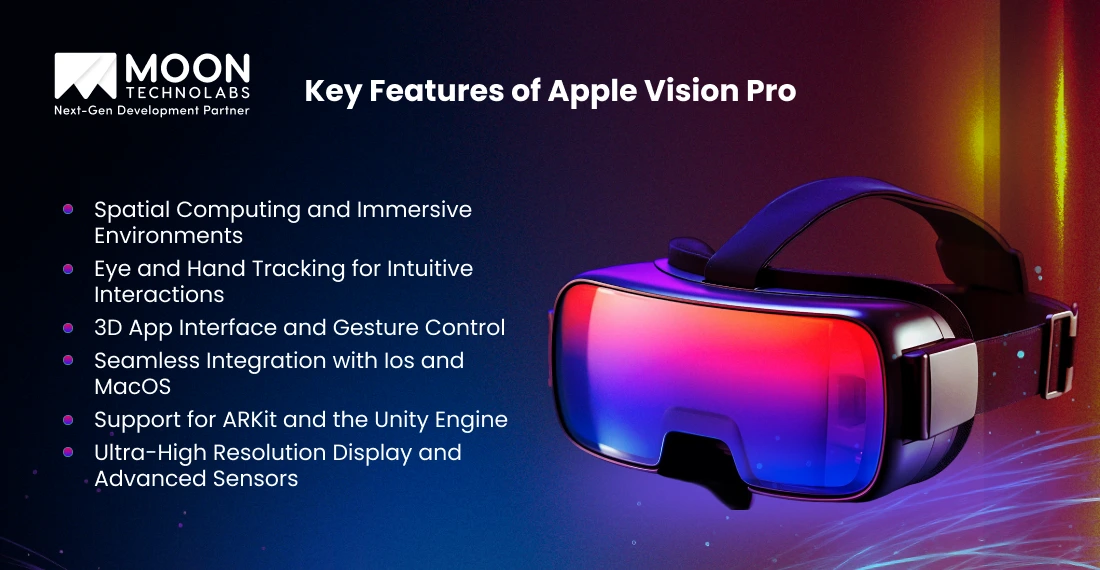
Now that you understand why Vision Pro is a powerful investment for your business, let’s explore the features that make it revolutionary:
Apps on Vision Pro aren’t restricted to your screens; they are present in the space around you. With spatial computing, your users can place these applications in the environment around them. For instance, it could be floating on their desk or stretched on the wall in front of them. You can build immersive spaces fostering productivity, entertainment, or collaboration.
This device comes with advanced sensors that track eye and hand movements, making controls feel more natural. Your users can open their apps, scroll through them, and even select by looking at the content or tapping their fingers. It removes the need for a physical controller.
Apps are akin to 3D windows that your users can easily move, resize, or even rearrange. Your interface will feel alive. It will turn everyday tasks like browsing, designing, or even attending meetings into interactive 3D experiences.
This device integrates seamlessly with the Apple ecosystem. Your users can connect it to the Mac wirelessly, access their iPhone apps, and even sync files on iCloud. As a result, you will be delivering a familiar experience to them.
Your developers can use the ARKit with the Unity engine to build these enriching, functional, and high-performing spatial applications. These apps open up a range of opportunities across different industries, from immersive training to 3D retail.
The device offers a 4K micro-OLED display and precise motion sensors. Using this, your developers can build exceptional visuals and precise depth perceptions for 3D interactions. In such cases, every detail is crisp, lifelike, and perfectly placed.
Our expert development team delivers immersive 3D interfaces and seamless integration with the Apple Vision Pro ecosystem to drive next-level experiences.
Let’s Build Together
Now that you have explored the key features of Vision Pro by Apple, you know why everyone is excited about this technology. But the question is, which industries will gain the most from it? Here are seven industries that will gain an edge with these apps:
Vision Pro will help developers bring games and entertainment to reality, the way screens couldn’t. Players can enter a fully immersive world, interact with 3D characters, and experience content as if they were living in the space.
Doctors and medical students can use the device to create detailed 3D anatomy studies. They can also provide surgical simulations and interactive training. It is an easier and hands-on way to learn complex procedures.
The buyers and their designers don’t need to leave their homes to understand the property and its architectural plan. Vision Pro offers it in 3D. This will allow them to visualize the space even before it is built. Moreover, this will help them make decisions after visualizing them.
Vision Pro delivers interactive lessons, effortless ways to explore historical sites, and an easier way to conduct science experiments in the virtual space. As a result, it has made classroom and online learning engaging for the students.
Shoppers can try products virtually before buying. They can visualize the furniture they plan to purchase for the space online before actually purchasing it. Moreover, it also helps retailers create more memorable and interactive shopping experiences for users.
The travellers and tourists don’t need to leave their spaces to explore new destinations or museums. In fact, they can experience diverse cultures from where they are. Travel brands can use the Vision Pro to provide virtual tours that inspire future visits.
Cross-functional teams can meet up in virtual workspaces and collaborate on 3D models. They can even organize their digital dashboards to make remote work connected and interactive.
There are numerous exciting opportunities available for Vision Pro. However, developing the apps for the platform comes with its unique challenges. You must be aware of these hurdles and ways to overcome them before proceeding:
To build a Vision Pro app, you need a team that is proficient with spatial computing, 3D designs, and Apple’s VisionOS. Hiring or training expert developers can be expensive, making the initial investment significantly higher than in traditional app development.
Unlike traditional apps that reside on flat screens, the Vision Pro apps exist in 3D spaces. You must plan smartly and be creative when designing the interfaces that feel natural and effortless. Additionally, your developers must ensure they build intuitive user interactions.
Vision Pro is quite new, which makes testing the apps challenging and expensive. Your developers may need to access the actual hardware for real-world testing, which can slow down development and iteration cycles.
When planning immersive and high-resolution visuals, you need a lot of power. You should optimize the apps to run smoothly while balancing battery life. This would be a challenge, especially during long usage sessions.
Vision Pro apps are typically worn on the head, so your developer must prioritize comfort and accessibility. If ergonomics aren’t good or interactions are complex, it can cause user fatigue and limit app adoption. Despite these challenges, if you carefully plan and design the app iteratively, you can create impactful and user-friendly Vision Pro applications.
Partner with our experts to design and develop interactive, immersive 3D applications that improve engagement and transform business outcomes.
Get Started Now
Several apps are leading the way inside Vision Pro’s immersive experiences. These early adopters are showing how spatial computing can enhance the user experience and how everyday tasks will evolve:
This streaming application is bringing your favourite movies and shows to the 3D environments. Viewers can watch their content on the giant virtual screen, getting completely immersed in their favourite worlds.
Microsoft has redefined its 365 suite for the Vision Pro device. This provides a virtual workspace for the users, where they can arrange the apps, documents, and even dashboards in 3D. This has made collaboration and multitasking intuitive and engaging for the users.
Vision Pro has made remote meetings more interactive. Zoom and Webex allow participants to interact in 3D spaces, making virtual discussions feel more like in-person meetings.
The Apple app suite includes interactive 3D environments and productivity, creativity, and exploration tools. These can seamlessly integrate with VisionOS to deliver delightful 3D experiences.
More developers have begun exploring immersive games and 3D design demos that showcase this device’s spatial capabilities. These apps are the first step to making creative solutions for entertainment and design possible.
Partner with our skilled developers, 3D design teams, and spatial computing experts to tap into the diverse opportunities posed by Apple’s spatial computing technology.
Connect Now
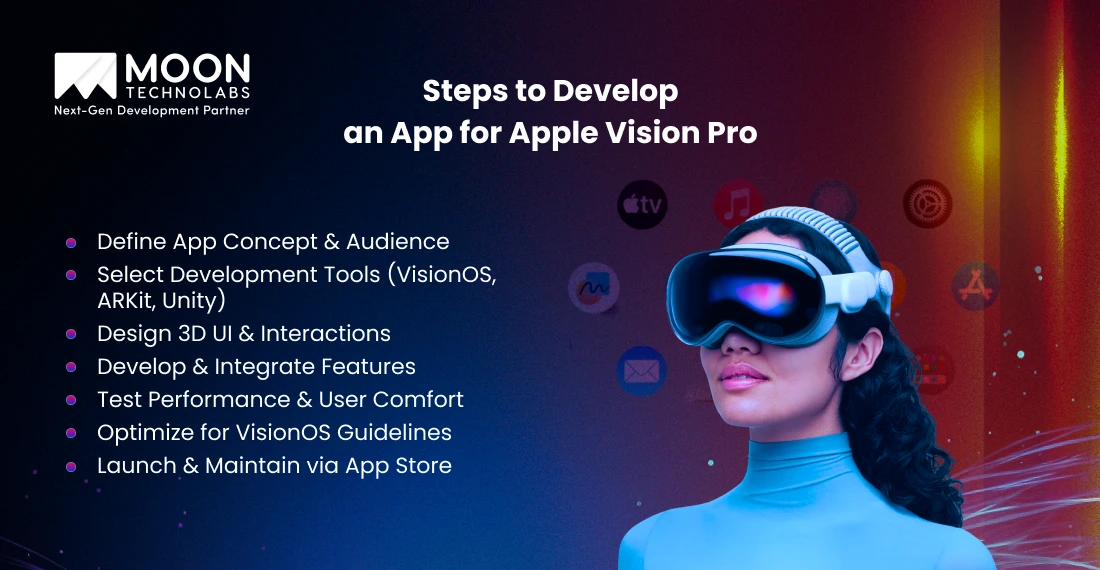
Developing an application for Apple Vision Pro may seem complex. However, when you break it down into clear, achievable steps, you can move from concept to launch effortlessly:
You must know your app’s purpose and the real target audience before getting started. By understanding the audience, you can create an application that solves their problems. It will also help you leverage the device’s full potential for spatial computing.
Choose the right tools to build interactive and immersive experiences. You can work with VisionOS, ARKit, and the Unity engine to build interactive spatial elements with 3D interfaces.
Plan the layouts that feel natural in your 3D spaces. You must prioritize gestures, eye tracking, and intuitive interactions to enable effortless navigation.
Write the code, then connect features to help you bring designs to life. With this step, you can turn the concept into a functional, interactive application.
Proper testing lets you deliver smooth performance and a comfortable user experience. You must assess the app for accurate gestures and gaze responses. Make adjustments to ensure long-term comfort.
Follow Apple’s guidelines, which set standards for performance, accessibility, and interface. You should optimize the app’s usability to increase the chances of approval.
Submit the app to the app store, monitor your users’ feedback, and release updates. With continuous monitoring and improvement, you can ensure the app remains relevant.
The cost to build a Vision Pro app depends on the features, complexity, and target audience. Small apps with basic spatial interaction cost less. However, 3D experiences with advanced gestures can significantly increase your budget.
The approximate cost to build small to mid-level apps ranges from $50,000 to $100,000. For large enterprise apps, the cost may exceed $200,000.
With proper planning, optimization, and prototyping, you can control the costs and manage your budget effectively.
At Moon Technolabs, we help you turn your ideas into immersive, high-performing Vision Pro applications. Our experts are proficient with VisionOS, ARKit, and Unity. They are experts in delivering 3D interfaces and natural spatial interactions. We have a structured process that follows the app development from conceptualization to app store launch, managing every step with great precision.
We focus on users’ comfort, seamless integration with Apple’s ecosystem, and high performance to develop an app that stands out. We have experienced developers who can deliver solutions across diverse industries, including healthcare, retail, and education, demonstrating our capabilities and strengths.
Apple Vision Pro is redefining how users interact with technology, opening the door to immersive experiences across industries. Vision Pro can help build innovative apps that deliver exceptional experiences across industries, such as gaming and education.
While developing Vision Pro apps comes with significant challenges, the opportunities outweigh them. It is time for you to pioneer this space and create distinctive apps for users.
Using the right tools, expertise, and strategies, you can engage your users with your app solutions and enable long-term loyalty. Having the right partner can also help fast-track the journey. Moon Technolabs is a reliable iOS app development company, proficient in Vision Pro development. Schedule a consultation to determine the way forward.
01
02
03
04
05

Jayanti Katariya is the CEO of Moon Technolabs, a fast-growing IT solutions provider, with 18+ years of experience in the industry. Passionate about developing creative apps from a young age, he pursued an engineering degree to further this interest. Under his leadership, Moon Technolabs has helped numerous brands establish their online presence and he has also launched an invoicing software that assists businesses to streamline their financial operations.


Submitting the form below will ensure a prompt response from us.
We refine our expertise to deliver innovative business solutions.





500 N Michigan Avenue, #600, Chicago IL 60611
13500 Long Is Dr, Pflugerville, TX 78660, USA

C-105, Ganesh Meridian, S.G. Highway, Ahmedabad, GJ 380060


 France
“ I highly recommend Moon Technolabs as the quality of service is wonderful. We have hired this company to develop the product based on some complex & technical issues. We get the best quality services as compared with others in the market. Huge Thanks to Moon Technolabs as the team is always ready to give the solution all time.”

 USA
USA“ Moon Technolabs is a pioneer in the WebRTC based project as they have fixed complicated segments of the module by fulfilling different product lines by providing 24X7 customer support. We really recommended Moon Technolabs as they are able to develop products as per the module deadline and project timeline.”

 Germany
“I am happy to recommend Moon Technolabs for their app development services. They successfully developed apps for me, and I am highly satisfied with the overall outcomes. The development team has swiftly addressed the issues with responsive and effective communication to understand the requirement quickly and actively resolve the back-and-forth problems that arose...”
 USA
USA“Moon Technolabs is the best company that provides advanced apps and websites development services in the USA and Europe. I am a newbie to develop my app with an external team. I am really happy to work with them as I am not that much mobile apps user. Here, the team and specially the CEO of Moon Technolabs helps me to let me know about the benefits of my app to generate revenue....”


